Chromecast vs Fire TV vs Android: Easy, Cozy pick for streaming in 2026
Choosing between Chromecast vs Fire TV vs Android can feel confusing because people mix three different things: a casting device, a streaming stick, and a TV operating system. Then the internet adds more noise by throwing Roku and Apple TV into the same conversation.
This guide clears it up in a practical way. You’ll learn what each option is best at, how Chromecast vs fire tv vs android specs matter for real use, and which device fits sports streaming, casting, and everyday TV watching without frustration.
What each option actually is, in plain terms
Chromecast vs Fire TV vs Android isn’t a fair comparison until you define the category. Chromecast can mean a dongle that relies on your phone for casting, or it can mean Google TV hardware that behaves more like a normal streaming box. Fire TV usually means an Amazon streaming stick or box with its own interface. Android TV is an operating system used by many TVs and streaming devices, and Google TV is a newer interface layer built on Android TV.
Once you separate hardware from software, the decision gets much easier.
Chromecast can mean two experiences
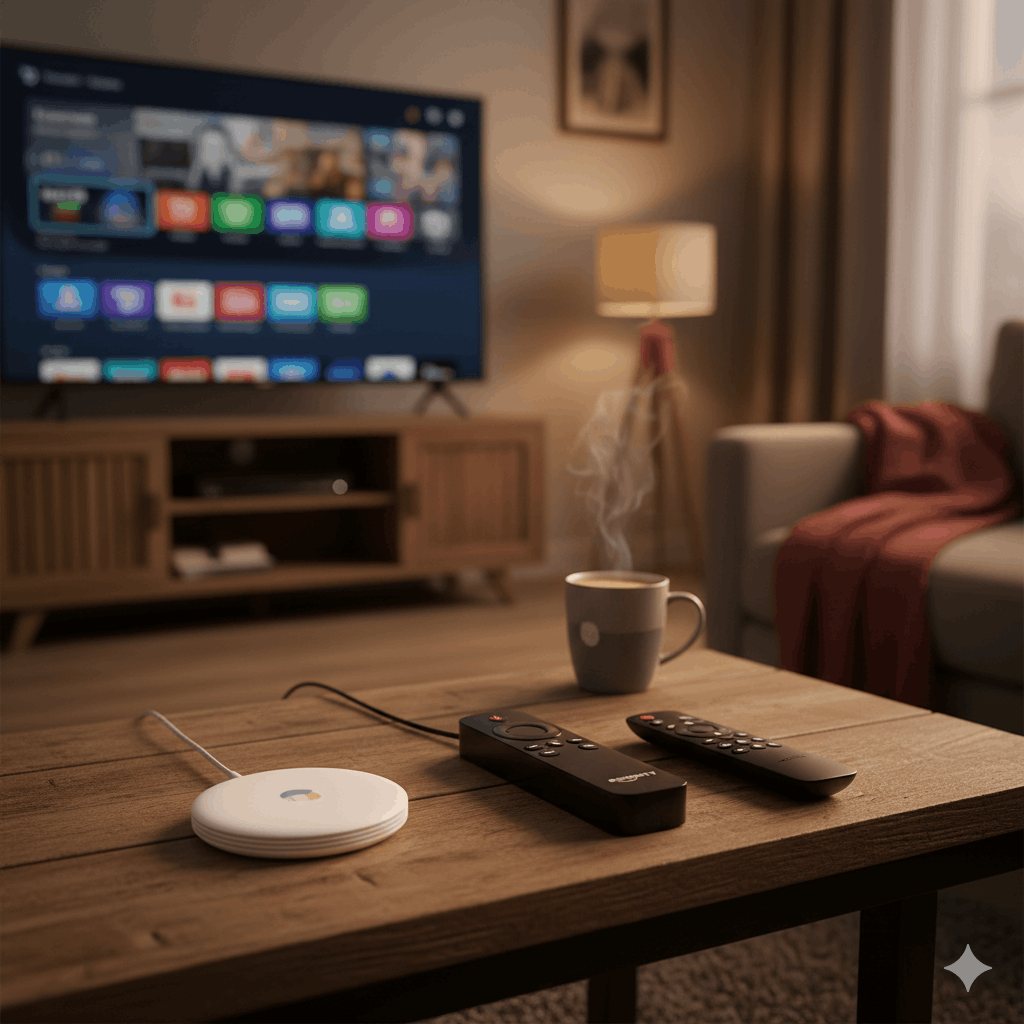
Some people say “Chromecast” and mean the classic casting experience, where your phone is the remote and the TV is basically the screen. Others mean a Chromecast with Google TV or a Google TV streamer, which has a full home screen, an app store, a remote, and can still cast.
If your main habit is casting from your phone, Chromecast fits naturally. If you want a full TV interface with apps on the device, a Google TV style device is closer to a Fire TV stick.
Fire TV is built around an on-screen interface
Fire TV sticks and boxes are designed to be self-contained. They run apps directly, they include a remote, and they’re built to feel like a traditional TV experience but with streaming apps.
If your household wants to pick up a remote and start watching, Fire TV is usually straightforward. If you want a device that blends phone casting with a clean TV interface, Google TV hardware often feels more balanced.
Android TV is the system underneath many devices
Android TV is not one single device. It’s a platform that brands use on smart TVs, streaming sticks, and boxes. Google TV is a newer look that sits on top of Android TV in many modern products.
So when someone compares Fire vs chromecast vs android tv, they’re often comparing Fire TV hardware to Google’s casting ecosystem and to a whole category of Android-based devices that vary in quality.
Chromecast vs Fire TV vs Android: what matters for most people
Most people don’t need deep tech specs. They need three things: apps they actually use, smooth playback, and a remote experience that doesn’t annoy them.
This is where Chromecast vs Fire TV vs Android becomes practical.
Your main question should be “how do I watch”
If your habit is opening apps on the TV and browsing with a remote, Fire TV and Google TV style devices fit better than classic casting. If your habit is finding content on your phone and sending it to the TV, Chromecast can feel faster and simpler.
Many people also mix both habits. They browse on the TV sometimes, cast from a phone sometimes, and want one device that supports both without extra steps.
Sports streaming makes stability more important than brand
Live sports highlights device weaknesses quickly. If a stick is slow, you feel it. If Wi-Fi performance is shaky, you see buffering. If an app crashes, you miss a moment.
For sports fans, the better choice is usually the device that runs your main sports apps smoothly and supports reliable Wi-Fi, even if another device looks nicer on paper.
Chromecast vs fire tv vs android specs: which specs actually matter
Chromecast vs fire tv vs android specs get thrown around online, yet only a few spec areas truly affect daily use.
Wi-Fi quality and band support
Good Wi-Fi support matters more than small CPU differences for most households. Devices that handle modern Wi-Fi standards well tend to buffer less and recover faster when your network is busy.
If you stream in a crowded home, or your TV is far from the router, Wi-Fi performance becomes the real spec that matters.
RAM and storage matter for speed, not for picture quality
More RAM usually means smoother menus and fewer slowdowns. Storage matters if you install many apps. If you only install a handful, storage becomes less important.
If you want a device that stays responsive over time, prioritize a model known for smooth navigation rather than chasing the highest numbers in a spec sheet.
4K and HDR support only matters if your setup supports it
Chromecast vs Firestick 4K and Chromecast vs Firestick comparisons often focus on 4K. If your TV is not 4K, or you don’t have a plan that offers 4K streams, 4K capability won’t change much.
If you do have a 4K TV and you care about sports and movies looking sharp, check 4K and HDR support, and confirm your apps support it too.
Chromecast vs Firestick for casting: which one feels easier
Chromecast vs Firestick for casting is a common question because casting is still one of the smoothest ways to get a video from your phone to your TV.
Chromecast is built around casting as a core feature. Many apps support the cast button natively, and the experience often feels natural for Android phone users and many iPhone users too.
Fire TV can cast in some ways, yet the experience tends to be less central and less consistent across apps. If casting is your main habit, Chromecast or a Google TV device often feels like the cleaner fit.
That said, if you rarely cast and mostly use a remote, Fire TV might still be the better day-to-day device for your household.
Chromecast vs Firestick vs Roku: how to think about this comparison
Chromecast vs Firestick vs Roku usually comes down to interface preference and app behavior.
Roku is known for a simple interface and broad app availability, and many people like its straightforward “TV first” feel. Fire TV integrates deeply with Amazon’s ecosystem and often pushes Amazon content hard in the interface. Google TV tends to blend recommendations with search and integrates well with Google accounts and casting.
If you want the simplest menus and you don’t care about casting, Roku is often appealing. If you want Amazon-first convenience, Fire TV fits. If you want a device that balances casting, search, and a full TV interface, Google TV style devices sit in the middle.
Chromecast vs Firestick vs Apple TV: who should choose what
Chromecast vs Firestick vs Apple TV is usually less about specs and more about ecosystem fit.
Apple TV tends to feel polished and smooth, especially for iPhone users, and it often performs very well with fast navigation and stable playback. It’s also usually priced higher than many sticks.
Fire TV is often the value pick for people already invested in Amazon services and who want a simple remote-based setup. Chromecast or Google TV devices often fit households that want casting plus a full interface without feeling locked into Amazon.
If you’re deep in Apple’s ecosystem and want a premium feel, Apple TV can be a strong choice. If you want affordability and a familiar remote UI, Fire TV often wins. If you want casting plus flexibility across Android and iPhone, Google TV is often a comfortable middle option.
Fire Stick vs Google TV Streamer: what’s different in daily use
Fire Stick vs Google TV Streamer is a practical comparison because both are designed as “remote-first” streaming devices.
The difference often shows up in how content is recommended and how search works. Google TV tends to be strong for universal search and blending across apps, especially if you already use Google services. Fire TV tends to be strong if you use Amazon services and want quick access to Amazon channels, rentals, and account-based features.
If you want casting to remain a core part of your setup, Google TV usually has an advantage. If you want an Amazon-first setup and don’t care much about casting, Fire Stick can feel simpler.
Quick match: which one fits your household
If you want a remote-first living room experience with a familiar stick setup, Fire TV usually fits well.
If you cast from your phone often and want the TV to behave like an extension of your phone, Chromecast is the natural fit.
If you want a flexible system that many brands support and you like the Google app ecosystem, an Android TV or Google TV device can be a good middle choice, especially on non-Amazon hardware.
If you’re deciding for sports streaming, lean toward the device that runs your main sports apps smoothly, stays stable on your Wi-Fi, and supports your TV’s resolution and HDR. Those factors usually matter more than small spec differences.
Conclusion
Chromecast vs Fire TV vs Android becomes simple once you separate casting habits from remote habits and separate hardware from the operating system. Chromecast is strongest when casting is a daily behavior. Fire TV is strongest when you want a straightforward remote-based stick experience, especially inside Amazon’s ecosystem. Android TV and Google TV devices vary, yet they often provide a flexible middle ground with strong app support and good casting options.
Pick the device that matches how your household actually watches, and you’ll stop thinking about the choice within a week, which is the best outcome.